Catalyst
15 Jun 2022A real-time rendering engine built in Vulkan and Modern C++
| Example Scene | Scene open in Editor |
|---|---|
 |
 |
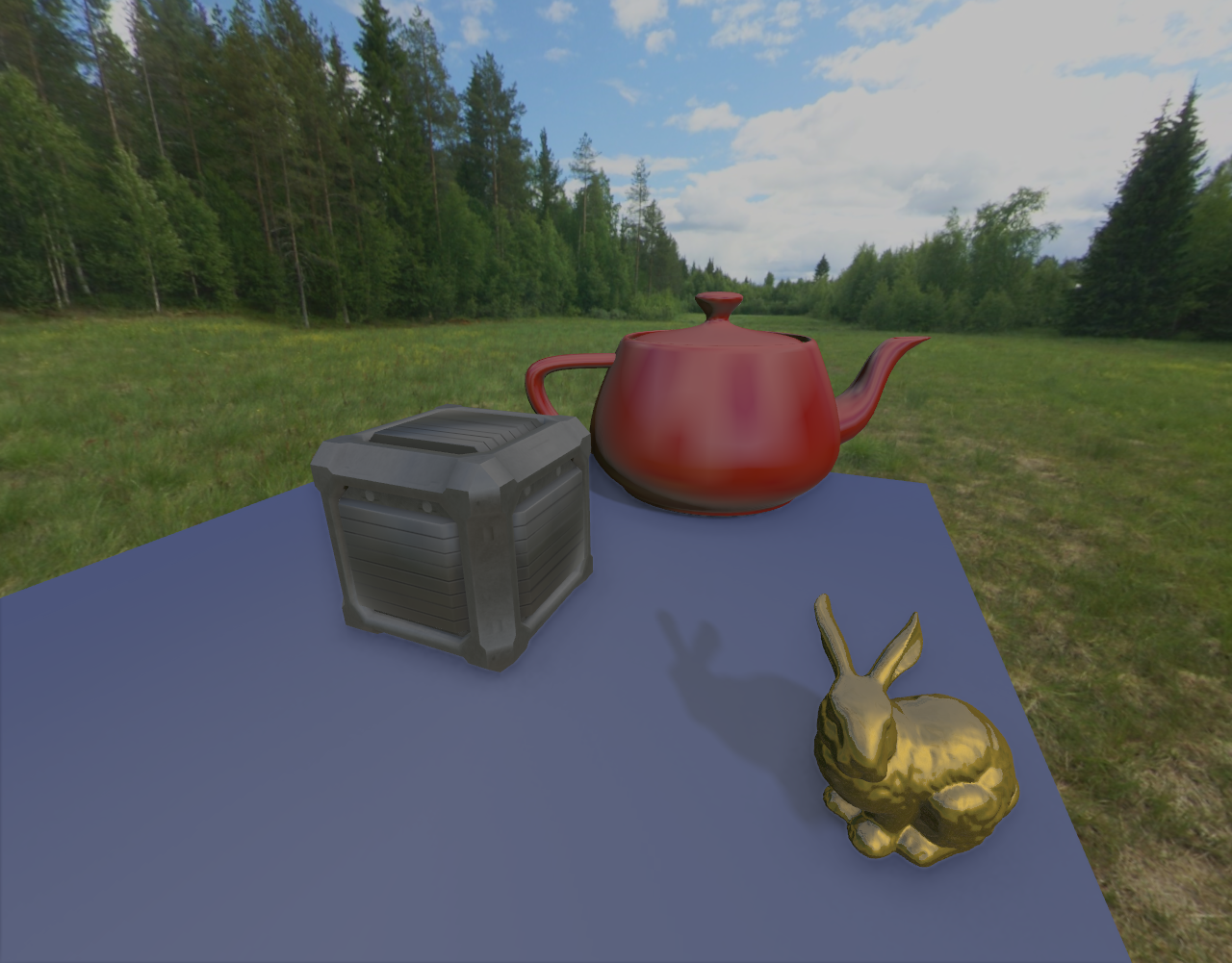
The next-generation of graphics APIs, Vulkan and DirectX 12, are quickly becoming the new foundation for games on PC. I wanted to build a rendering engine that allows me to easily explore and experiment with some of the most important features of modern real-time graphics systems found in games today. The result of this work was Catalyst - a physically-based real-time renderer built in Vulkan and modern C++. This post will demonstrate what goes into rendering a simple scene using Catalyst with all effects turned on, with comments on the implementation details in Vulkan. For the project source code and full list of graphics and editor features, a public repository is available here.
Table of Contents
Overview
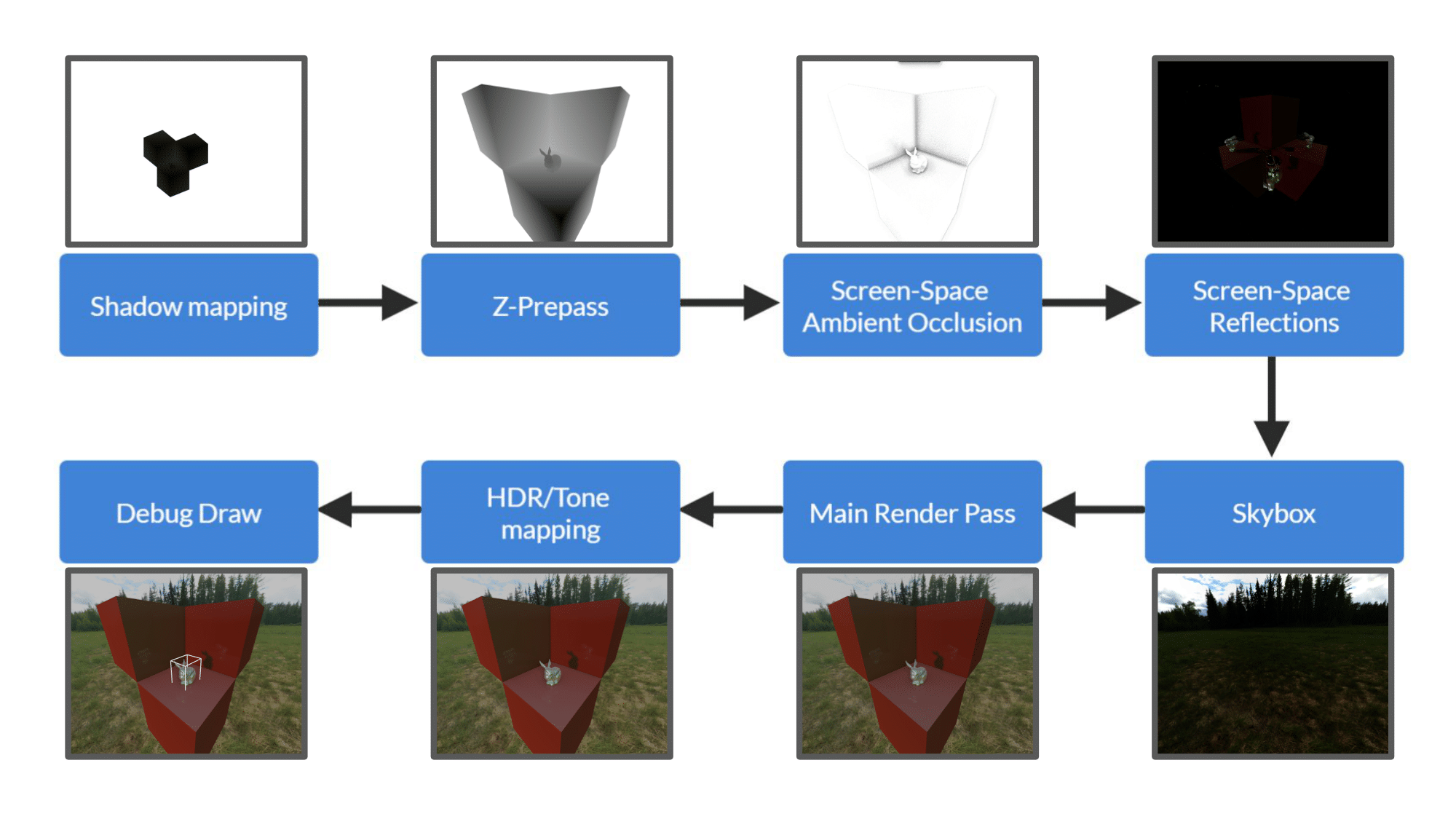
Catalyst is a fully-forward renderer that uses bindless resources. This is a flowchart of a single frame:
Shadow mapping
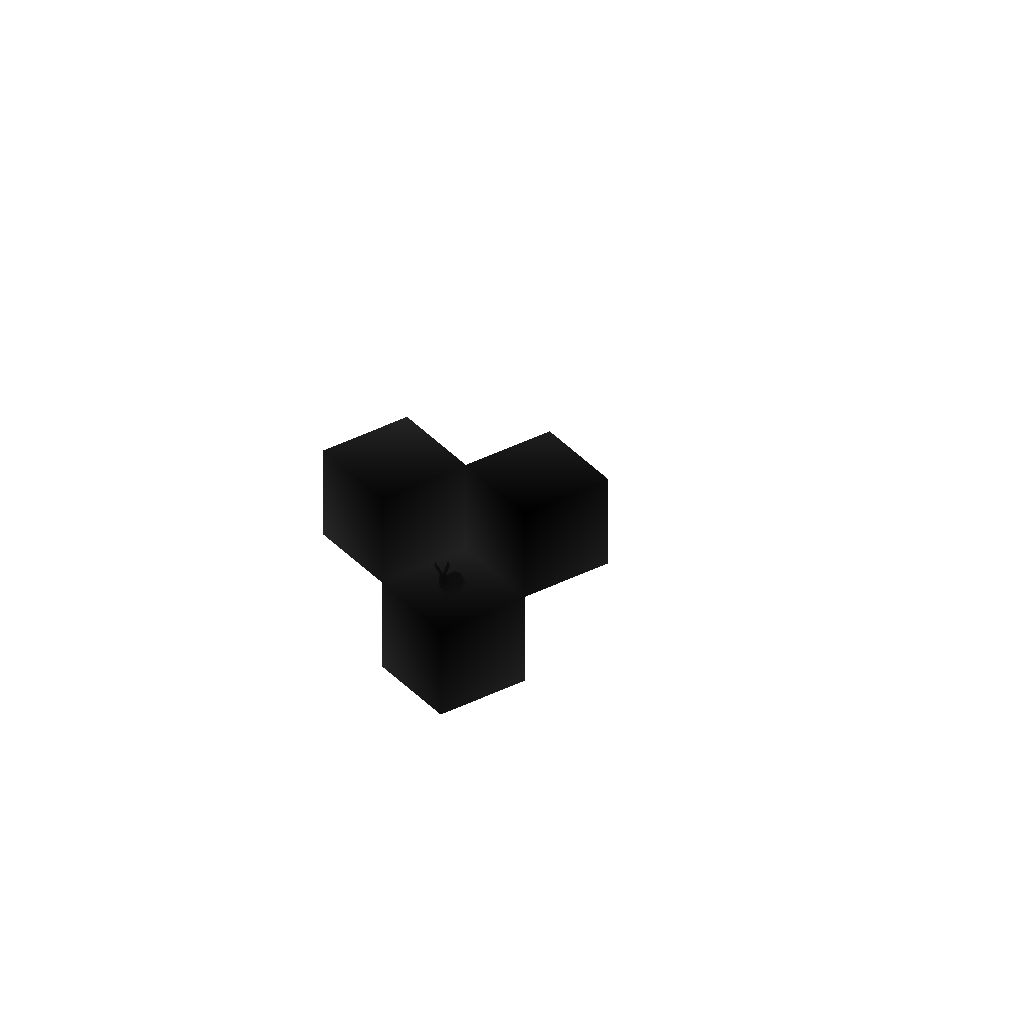
For every directional light, a shadowmap is generated. The Catalyst editor has options to tweak the width and height of the directional lights effect, ideally this should be as small as possible to make maximum use of the Shadow Map’s limited resolution. There are a number of additional parameters relating to shadows that are exposed to the user via Global Settings. Shadowmap bias can be increased or decreased according to the scene, and the size of the PCF smoothing kernel can be modified for performance as well. The shadowmap render pass is a simple depth-only pass that applies all vertex transformations and renders to a single depth/stencil texture. The entire scene is rendered from the lights point of view. For directional lights this involves an orthographic projection.
 |  |
Z-Prepass
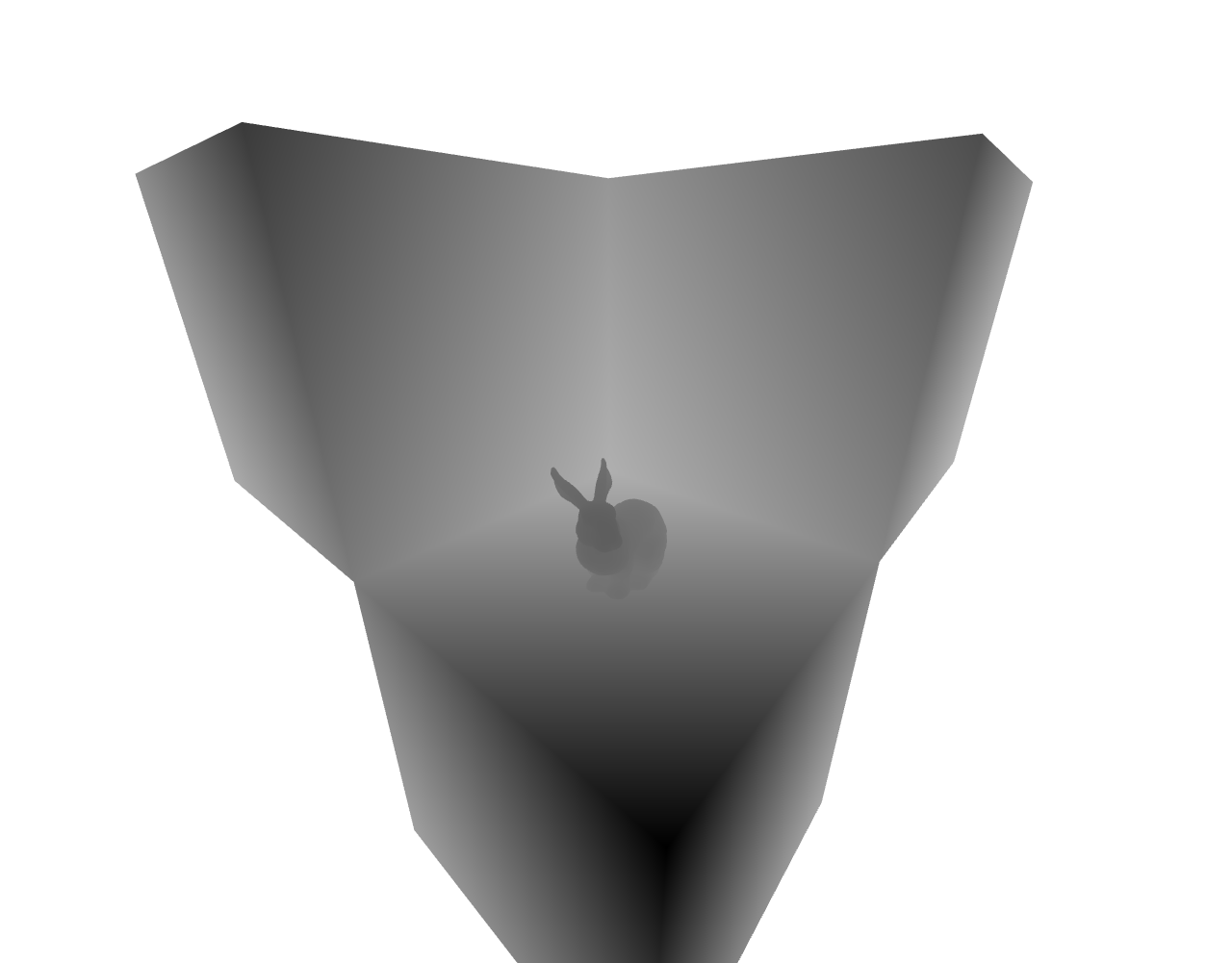
Similar to the shadowmap pass, the Z-Prepass is a depth only render pass. This time the entire scene is rendered from the main camera’s perspective. Also, to enable MSAA for the main render pass, the depth image that we write here is multisampled. A single sample texture is generated at the end of this pass by resolving this depth image. The single sample texture is passed as input to the SSAO and SSR passes, while the multisampled texture is forwarded directly to the main render pass.
 |
|---|
| Resolved z-prepass depth texture |
Screen-Space Ambient Occlusion (SSAO)
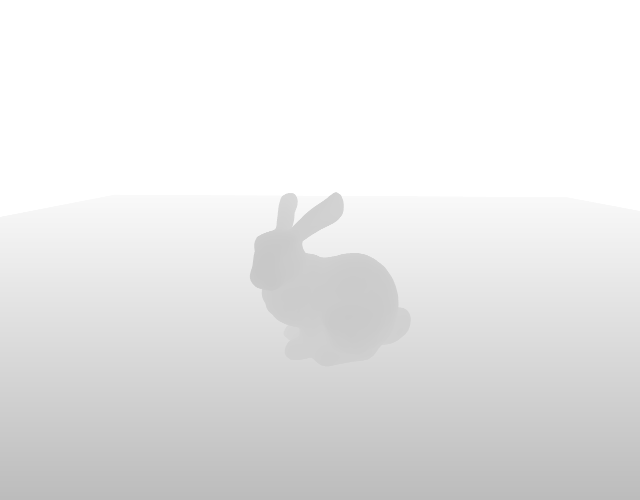
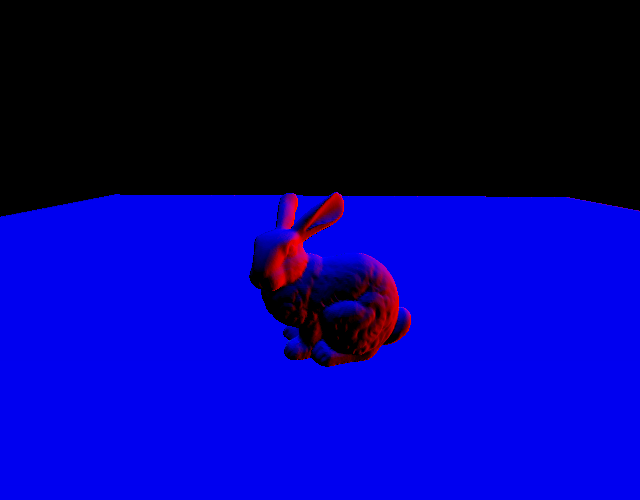
SSAO is implemented in a relatively straightforward manner, but there are some additional considerations for a fully-forward renderer. At the start of the scene a noise texture is generated to provide a random permutation for the SSAO kernel. The kernel consists of a variable number of rays in the hemisphere of the surface, with most rays concentrated close to the normal. Unlike a deferred renderer, we do not have a normal G-buffer to refer to and thus the normals must be reconstructed from the depthmap generated by the Z-Prepass. This can cause artifacts at the borders of objects, an example of the normal map generated by such an approach is shown below.
 |
 |
 |
|---|---|---|
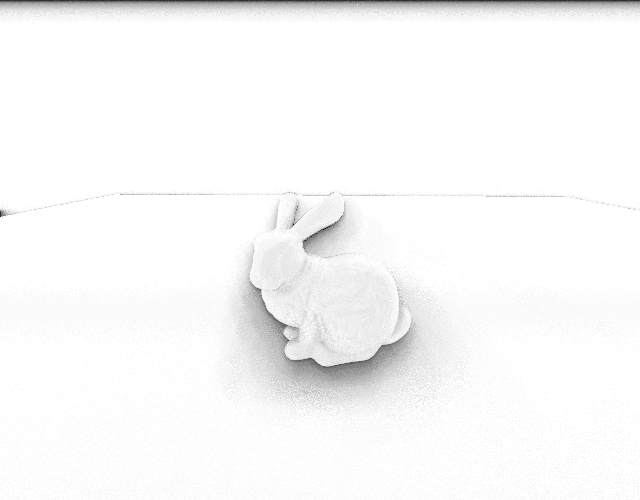
| Example depth buffer input | Reconstructed normal data, note discontinuities at edges | Resulting SSAO Map |
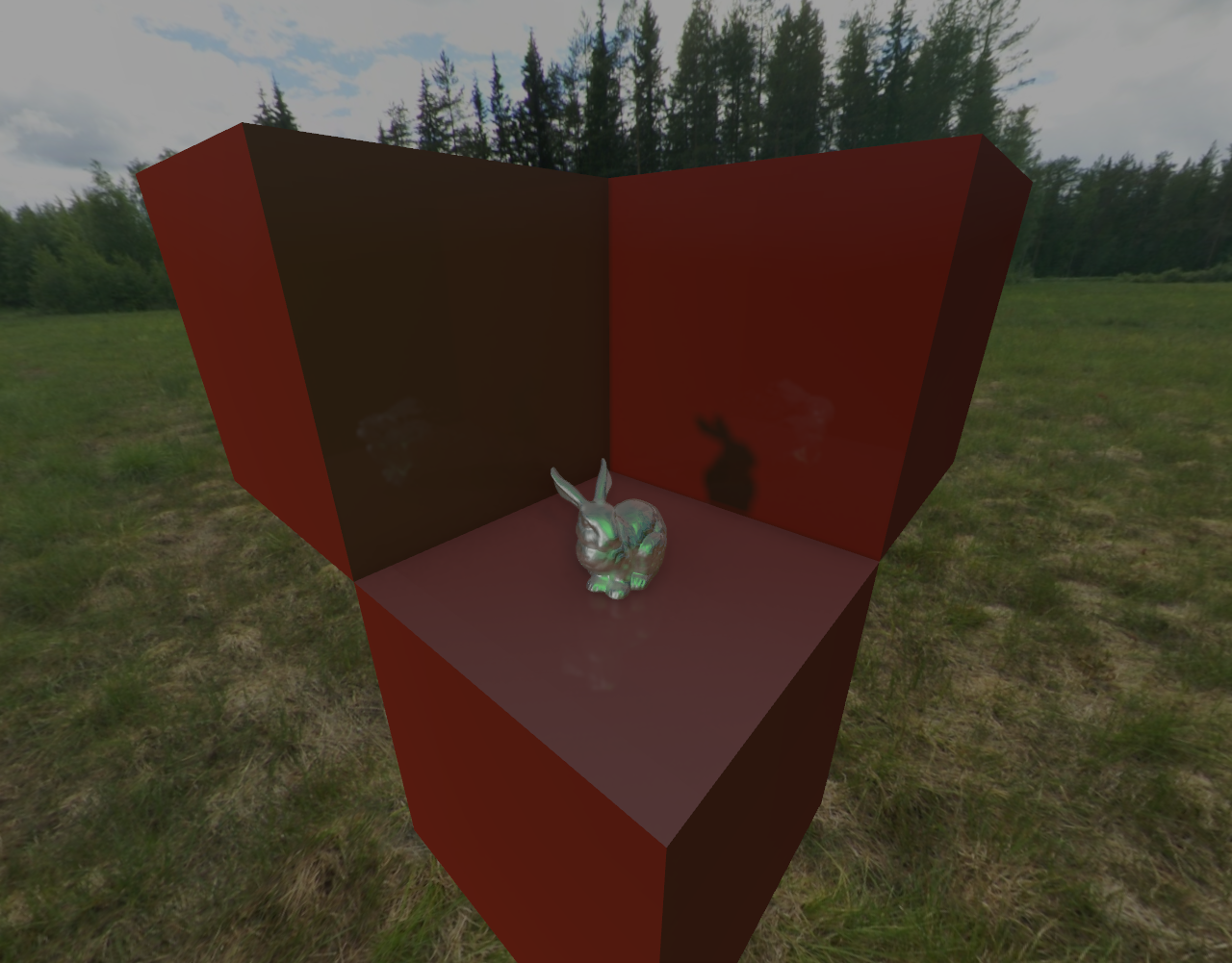
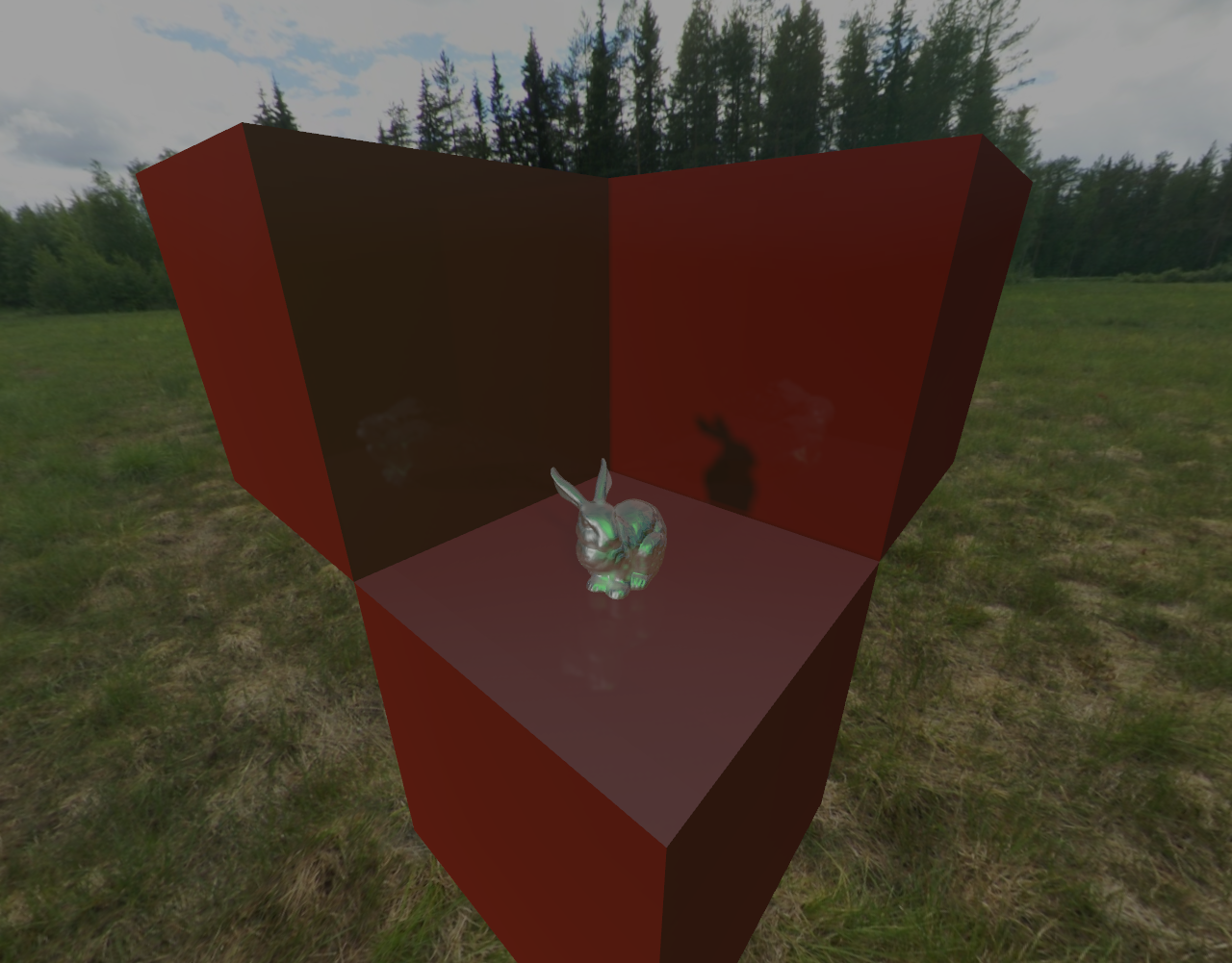
Overall, SSAO is a nice way to improve the scene for a relatively cheap cost. Reducing the number of rays from 64 to 16 reduces frame time significantly without degrading the final result too heavily. The SSAO map is generated in half-resolution and composited during the main render pass. Click to enlarge the below images to compare results easier.
 |
 |
|---|---|
| SSAO On | SSAO Off |
Screen-Space Reflections (SSR)
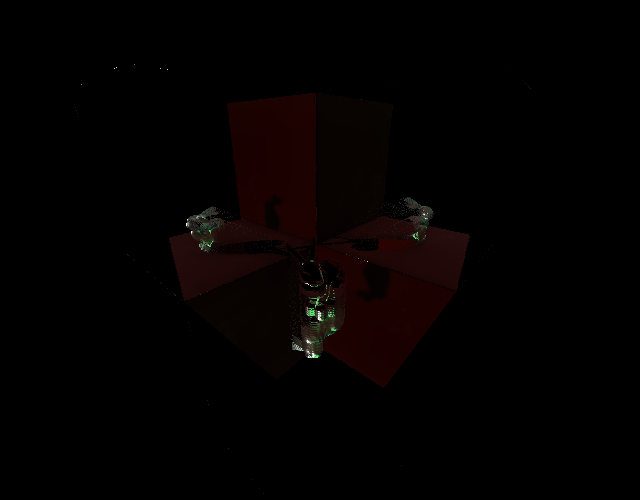
The inputs to this stage include the resolved depth image from the Z-prepass and the resolved previous frame. The previous frame used here is just after the main render pass and before the HDR/Tone-mapping stage. Since this is a fully forward renderer, we don’t have access to a specular G-buffer, so the previous frame is our best bet for reflection data. Getting SSR to look good depends on a number of scene-dependant parameters. Thus, many options are presented to the user to tweak their appearance. Similarly to SSAO, normals are reconstructed from the depth image and are used to find the reflection vector along the view direction. Raymarching is performed until a matching object is found in the previous frame.
 |
|---|
| SSR Map |
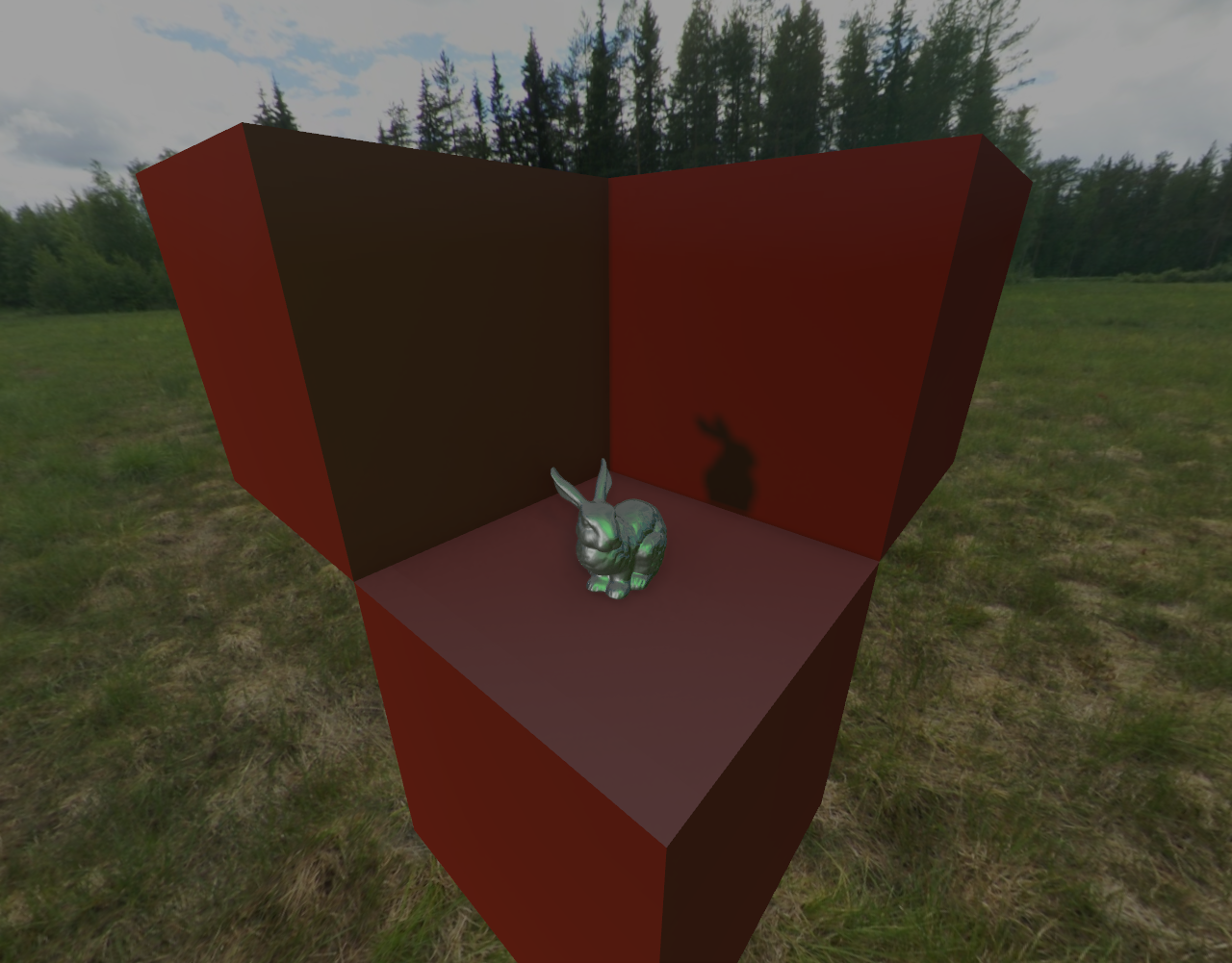
SSR is tricky to get right, and is the most expensive step of the pipeline as of now due to heavy branching. If a reflection ray is not found, the environment cubemap is used as a fallback for reflection information.
|
 |
|---|---|
| SSR On | SSR Off |
Skybox
Environmental mapping is performed using a skybox with two cubemaps. One is used to provide the specular lighting component to scene geometry, while the other is an irradiance map used for the diffuse lighting component. There are several tools available to generate these maps. One skybox is included with the editor for convenience. The first draw of every main renderpass involves drawing the skybox to the empty frame.
Main render pass
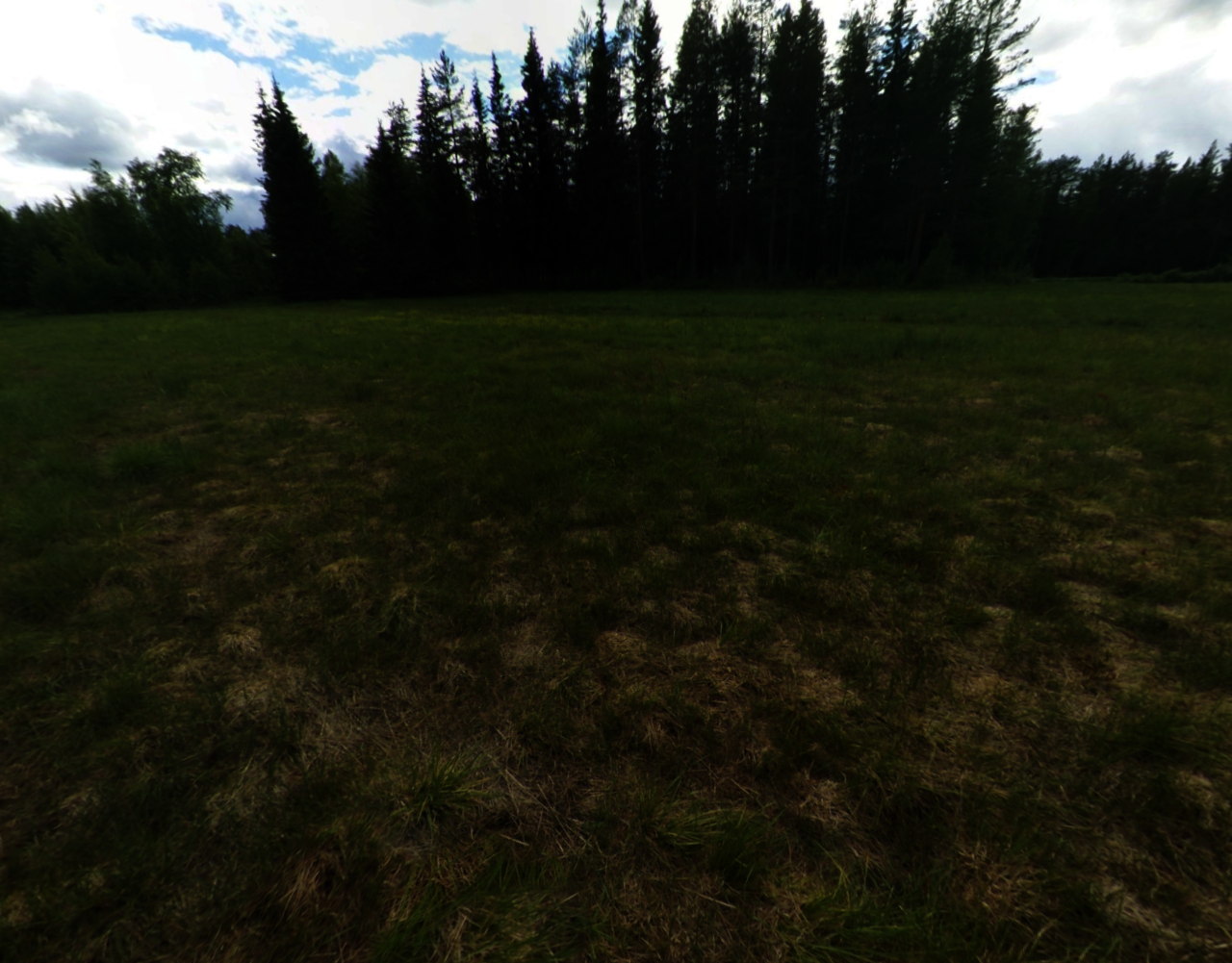
This is where everything comes together. SSAO and SSR maps and all shadow maps are inputs to this stage as textures. All material parameters and render settings are exposed in a uniform buffer, and the multisampled depthmap is attached for depth testing with the compare operation set to VK_COMPARE_OP_EQUAL. The output of this stage is a multisampled High Dynamic Range (HDR) color attachment which is resolved to a single sample texture for use in the HDR pass, compute shaders and the next frames’ SSR calculation.
 | |
HDR/Tone mapping
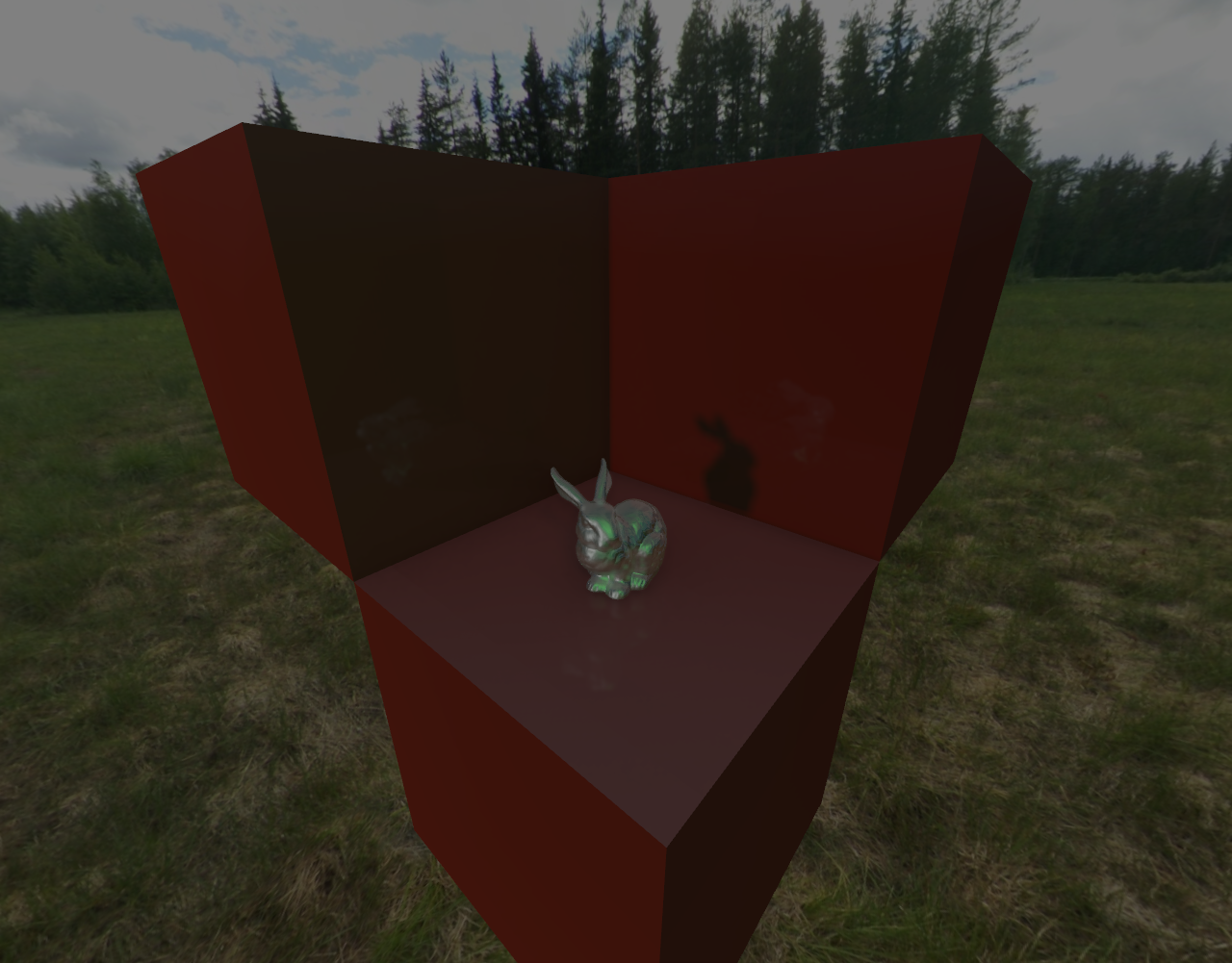
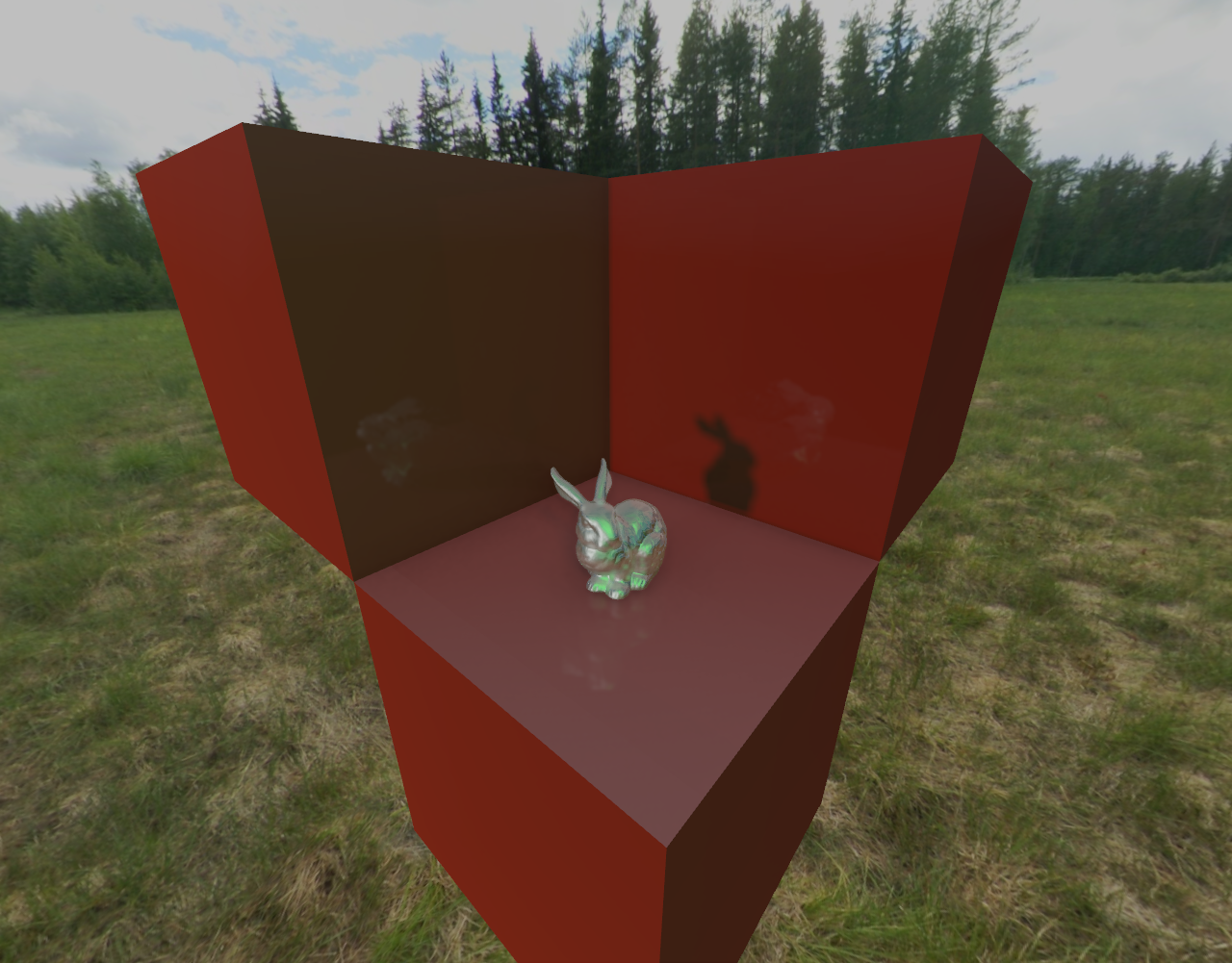
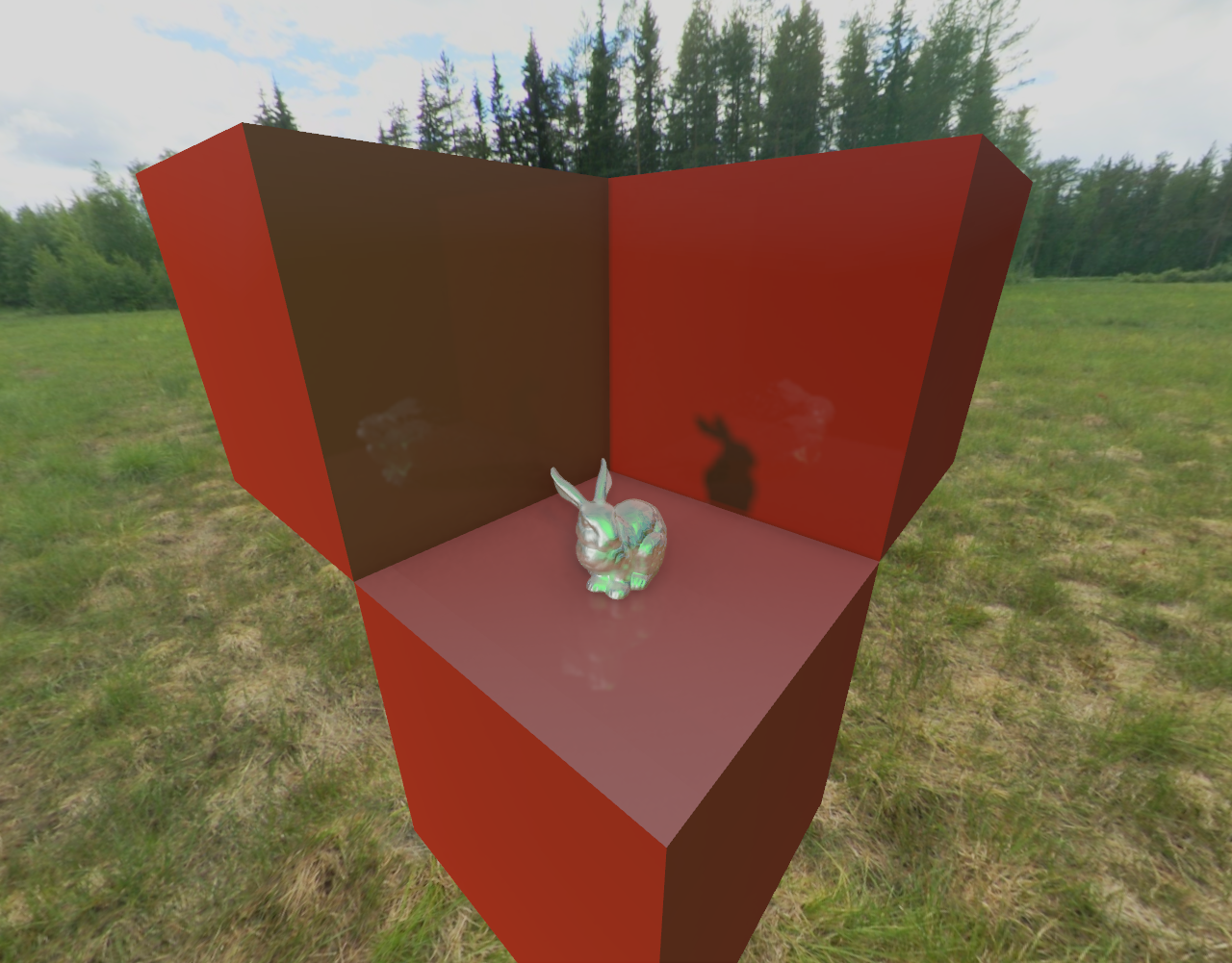
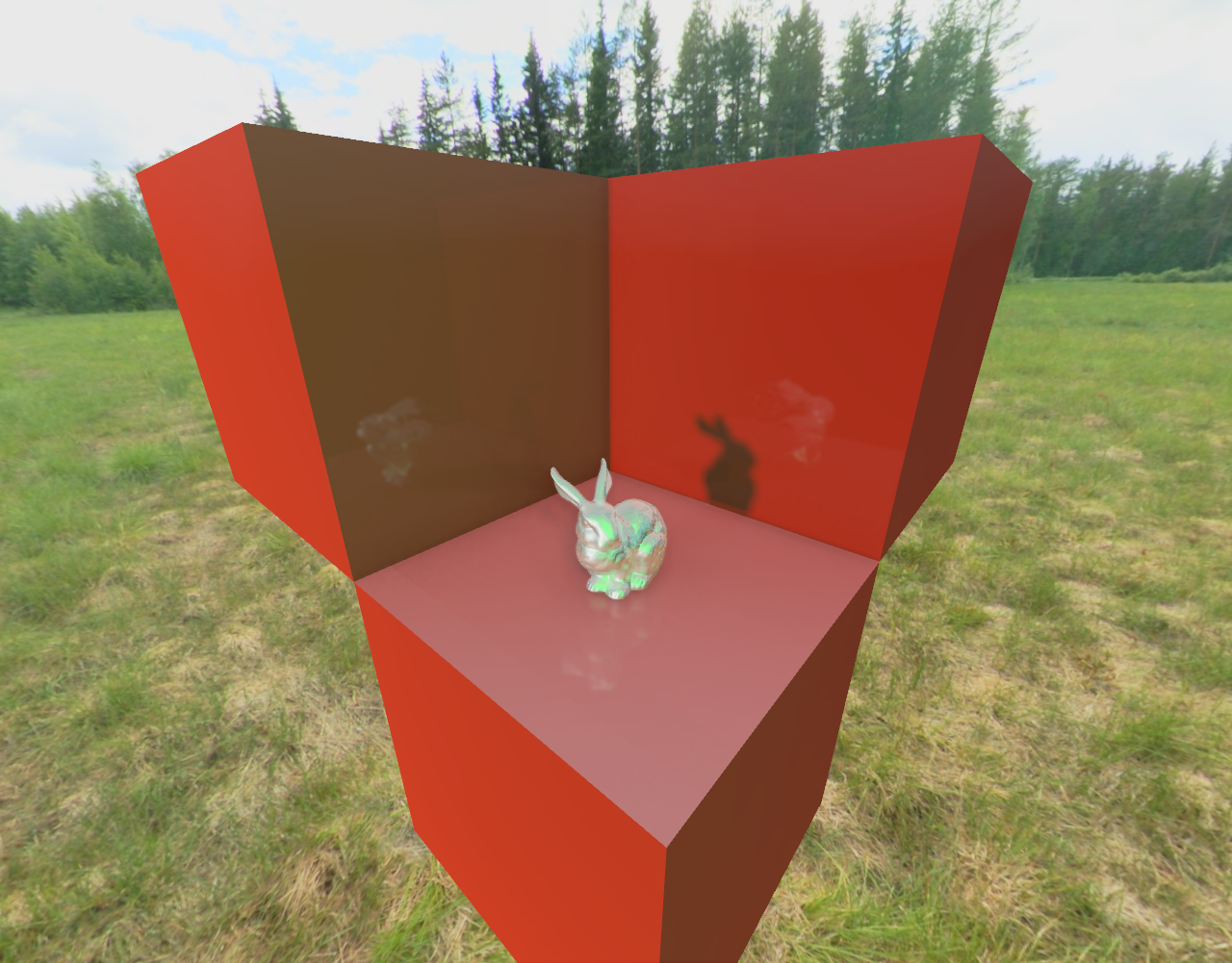
First a series of compute shaders is used to calculate the geometric average of the illuminance for the frame. The frame is reduced by a factor of the subgroup size each iteration. Vulkan’s subgroup extension (now part of the core Vulkan specification) is very handy for performing these reduce operations. The end result is the log-average illuminance which is fed into the Tonemapping pass as a Uniform Buffer. The tonemapping pass takes the resolved HDR output of the main render pass and maps it to a Low Dynamic Resolution (LDR) color attachment suitable for presentation. The geometric mean of the illuminance, together with a user-modifiable exposure adjustment is used to perform this mapping. The effects of the exposure setting on the final result is shown below.
 |
|
 |
 |
 |
|---|---|---|---|---|
| Exp. = 0.5 | Exp. = 1.0 | Exp. = 2.0 | Exp. = 4.0 | Exp. = 8.0 |
Debug Draw
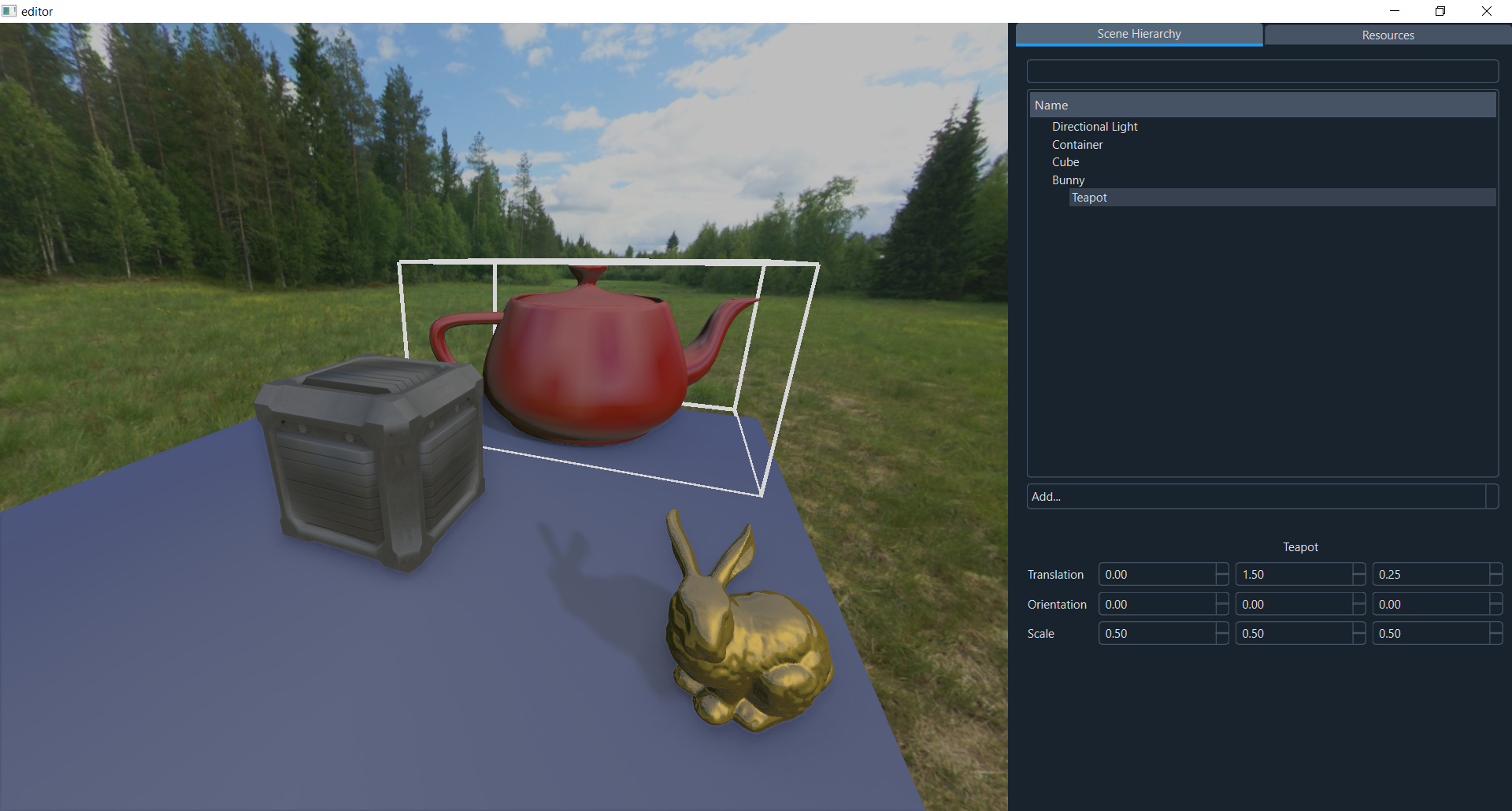
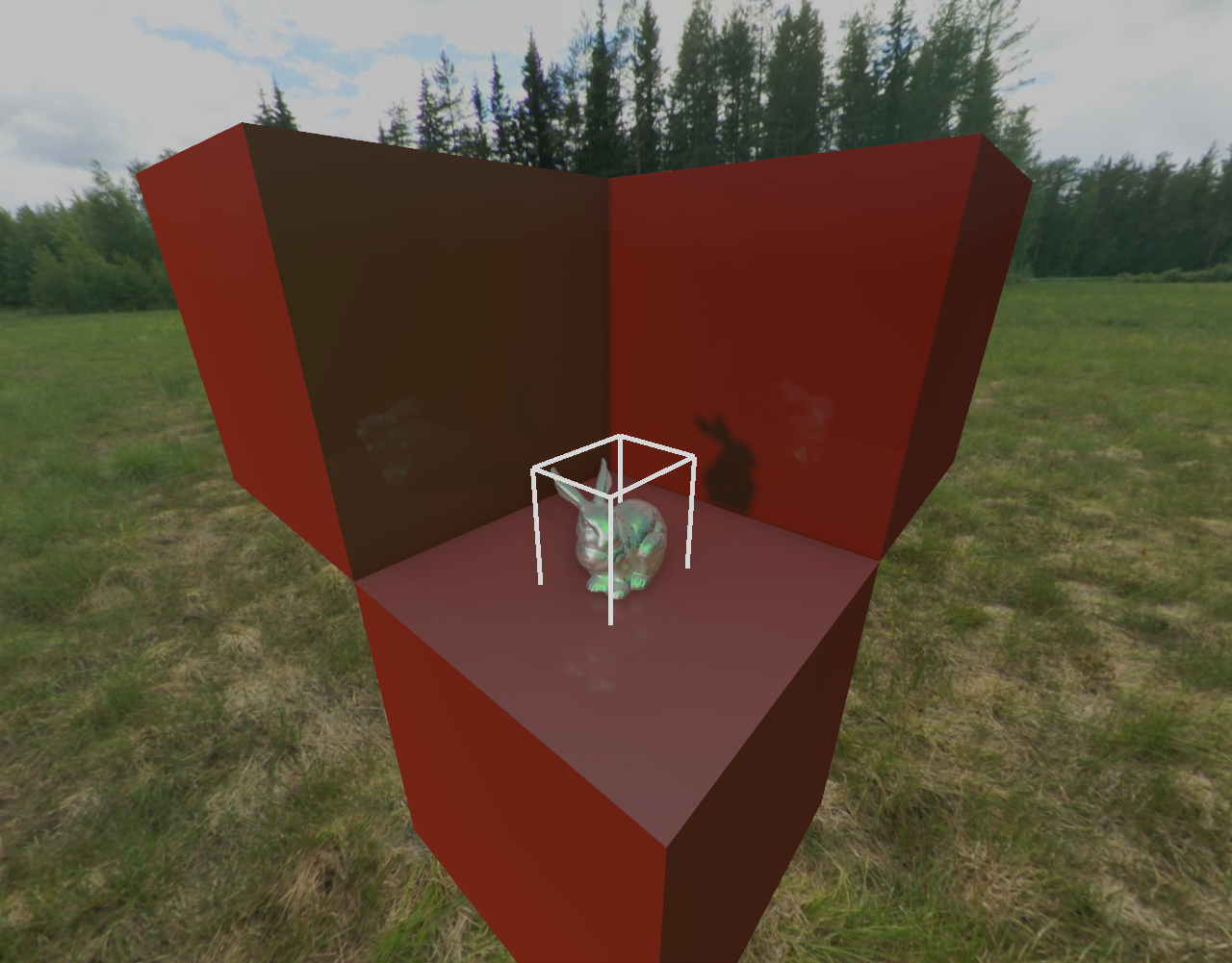
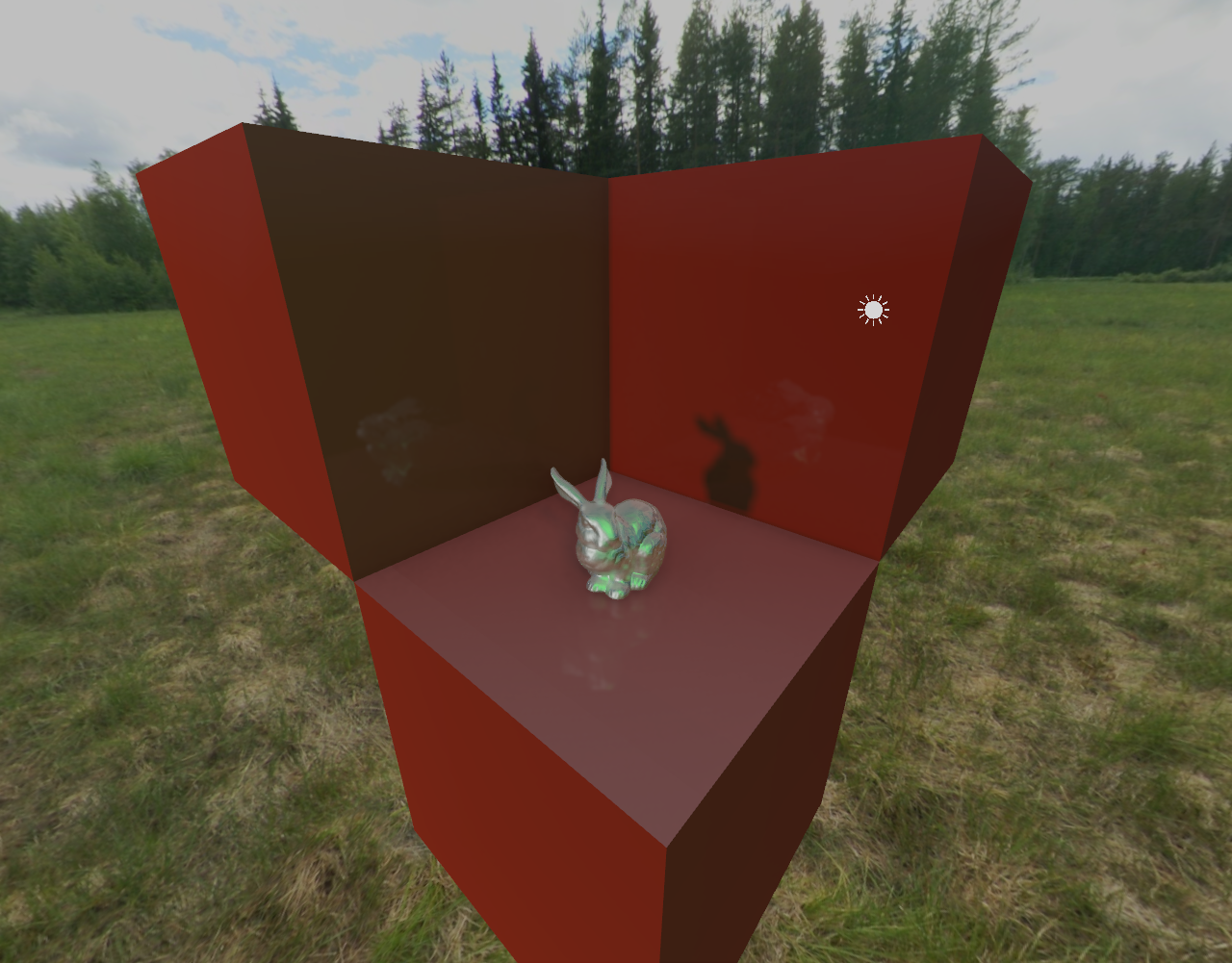
It can be helpful to draw 3D structures like bounding boxes or billboards to aid debugging during development. The Catalyst editor makes use of this feature to render icons for scene objects with no geometry such as Directional Lights, and to indicate which meshes the user has selected in the scene hierarchy by displaying a bounding box that holds all of them. This stage writes directly to the resolved color output attachment from the main render pass. This means that output from this stage is not used to compute tonemapping information or generate SSR maps for future stages, which is ideal. The downside of this approach is that MSAA is not available for this stage, which is less important for a feature that is disabled when building for release mode.
 |
 |
|---|---|
| An AABB is drawn around selected meshes in the editor | Screen-aligned billboards are used to indicate selected directional lights |
Editor
 |
|---|
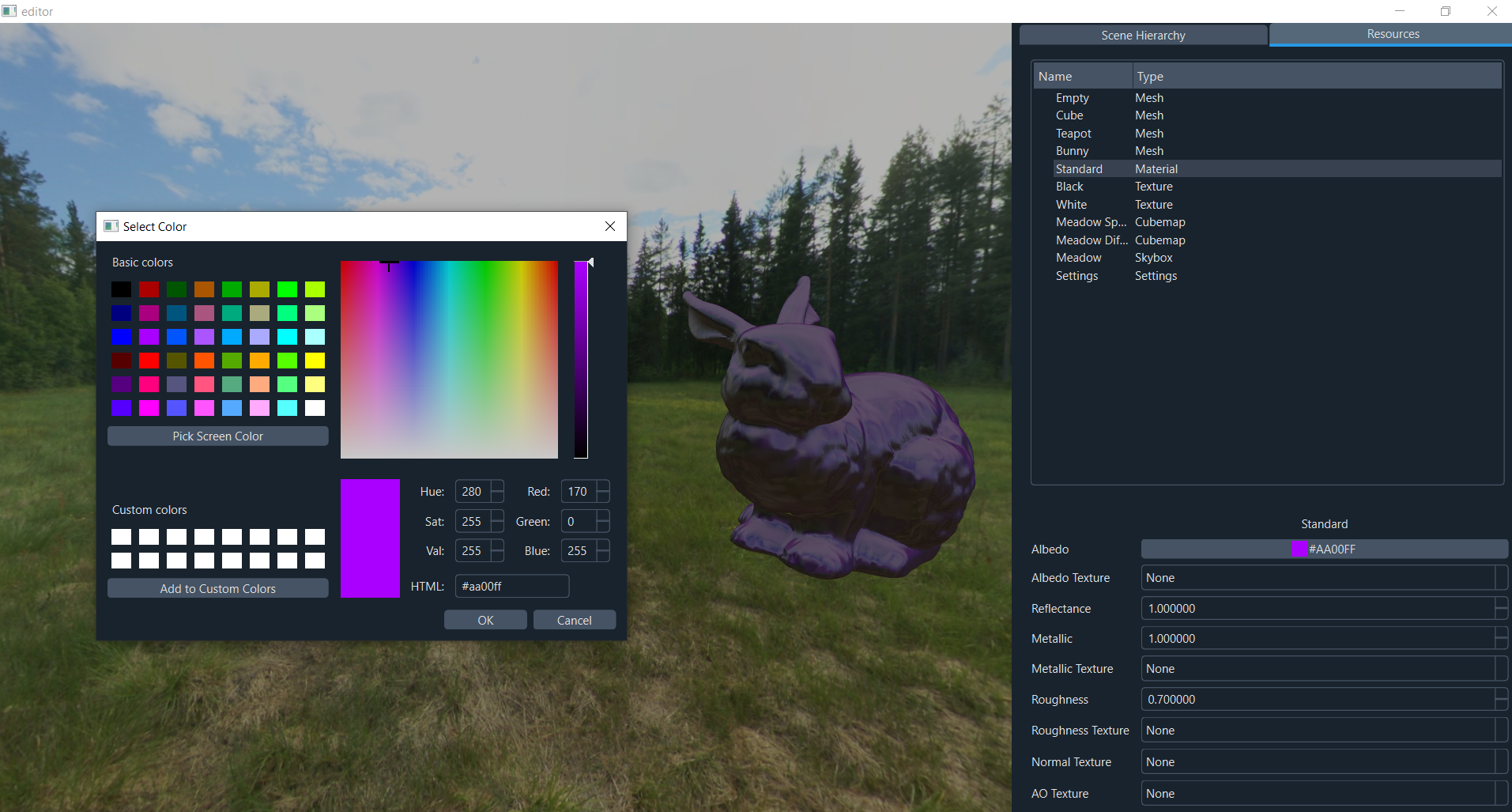
| Modifying material properties in the Catalyst editor |
The Catalyst repository on Github includes a user-friendly editor built on Qt 6 that allows you to import models and textures, edit material parameters and arrange meshes in a scene hierarchy. It comes with a number of sample assets to easily experiment with many of the engines features. Qt is not necessary to build the rendering engine itself. If you’d like to try it out, the repository is available here.